AI Invoice and Bookkeeping Automation for Small Business: What to Automate First
By Oliver Bennet
Bookkeeping automation can save time, but it deserves caution. Money workflows need accuracy, approvals, and clean records. AI is useful for categorization suggestions, reminders, summaries, and admin support, not blind financial decision-making.
What to automate first
- Invoice creation from approved projects.
- Payment reminders.
- Receipt collection.
- Expense categorization review.
- Monthly owner summaries.
What should stay human-reviewed
Taxes, unusual expenses, payroll decisions, refunds, write-offs, and legal/financial advice should be reviewed by a qualified professional or the business owner. Automation should reduce clerical work, not remove accountability.
Simple invoice workflow
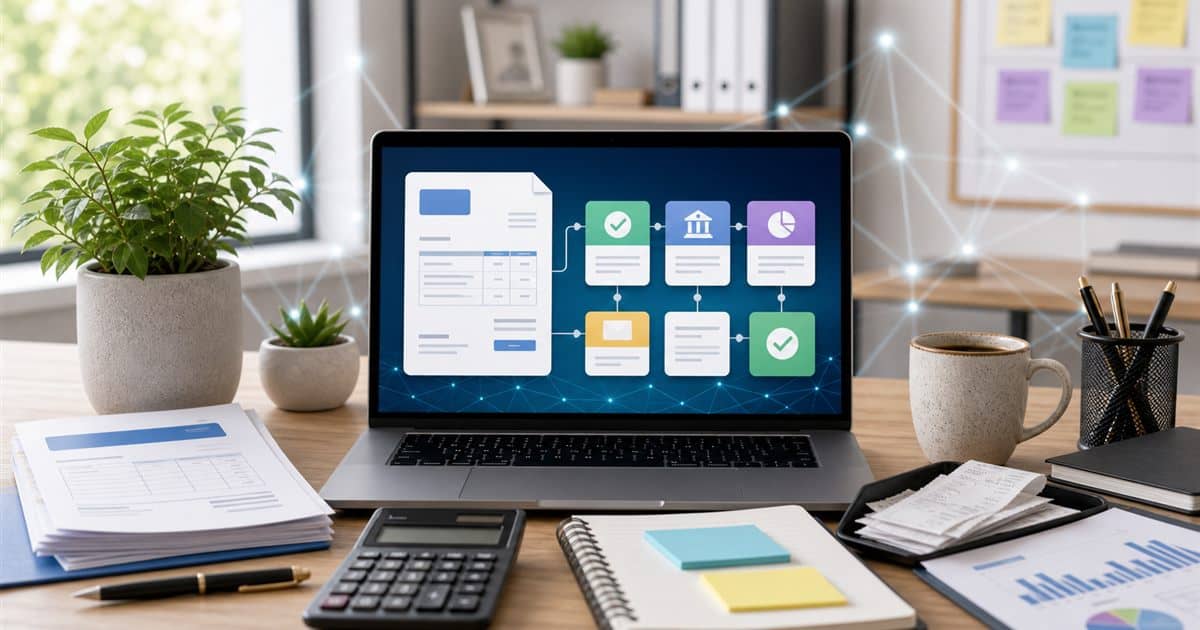
- Project is marked complete.
- Invoice draft is created.
- Owner approves the invoice.
- Invoice is sent.
- Payment reminder runs if unpaid.
- CRM or project tool updates when paid.
AI summary prompt
Summarize this month's bookkeeping activity for a business owner.
Include: invoices sent, unpaid invoices, unusual expenses, cash flow concerns, and items to review with a bookkeeper.
Data: [non-sensitive summary]
Best practice
Use automation to prepare information and remind people. Keep approval steps for anything that changes money, tax records, customer balances, or vendor payments.
Sources
FAQ
Can AI replace a bookkeeper? No. AI can help with admin and summaries, but financial records need careful review and professional judgment.